
PRE-PAID PARKING
Sprinturf Performance Park has partnered with Park Mobile to ensure that this process is smooth and easy to do. Park Mobile is a commonly used pay-to-park system that you will see in major cities and even at our famous Delaware Beaches.
Skip the hassle and save money by reserving your parking spot ahead of time. With our easy-to-use online system, you can secure a space at a discounted rate before you even arrive. Simply click the link below to reserve your spot now!
If you have not pre-paid before arrival, you may be asked to complete payment prior to entering the lot, which could delay your access.

parking details
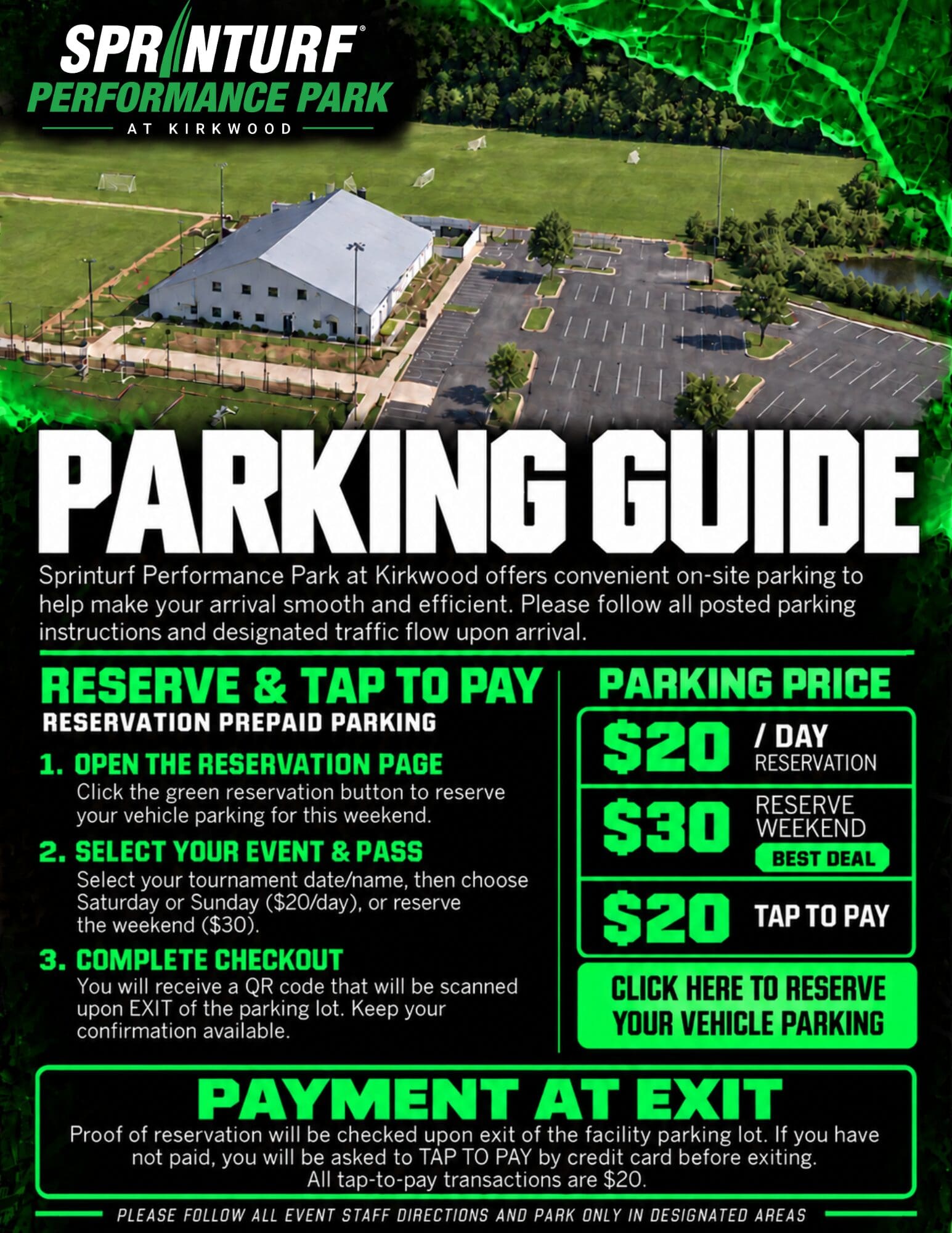
Sprinturf Performance Park at Kirkwood offers convenient on-site parking for all events. To ensure a smooth arrival and departure, we encourage all visitors to reserve parking in advance and follow all posted parking instructions and event staff directions.
Parking Rates
- $20 – Daily Parking: Reserve parking for Saturday or Sunday.
- $30 – Weekend Parking: Reserve parking for the entire weekend. Best Value!
- $20 – Tap to Pay: Pay by credit card when exiting the facility.
How to Reserve Your Parking
Step 1: Open the Parking Reservation Page
Click the Reserve Parking button to access the online reservation system.
Step 2: Select Your Event & Parking Pass
Find your tournament or event, then choose a daily parking pass ($20) or a weekend parking pass ($30).
Step 3: Complete Your Reservation
Complete checkout to receive your parking confirmation and QR code. Save your QR code, as it will be scanned when exiting the parking lot.
Payment & Exit Information
All parking payments are verified upon exit. Visitors who reserved parking in advance should have their QR code ready to scan.
Visitors without a prepaid reservation will be required to tap to pay $20 by credit card before exiting the facility.
Please follow all event staff directions and park only in designated parking areas.